IFC georeferencing and maps
Use IFC georeferencing and maps to place a model in its real-world location. The viewer reads coordinate data from the IFC file and uses it to display the model in map context.
Use this page to understand which location data the viewer can use and how to prepare exports for accurate placement.
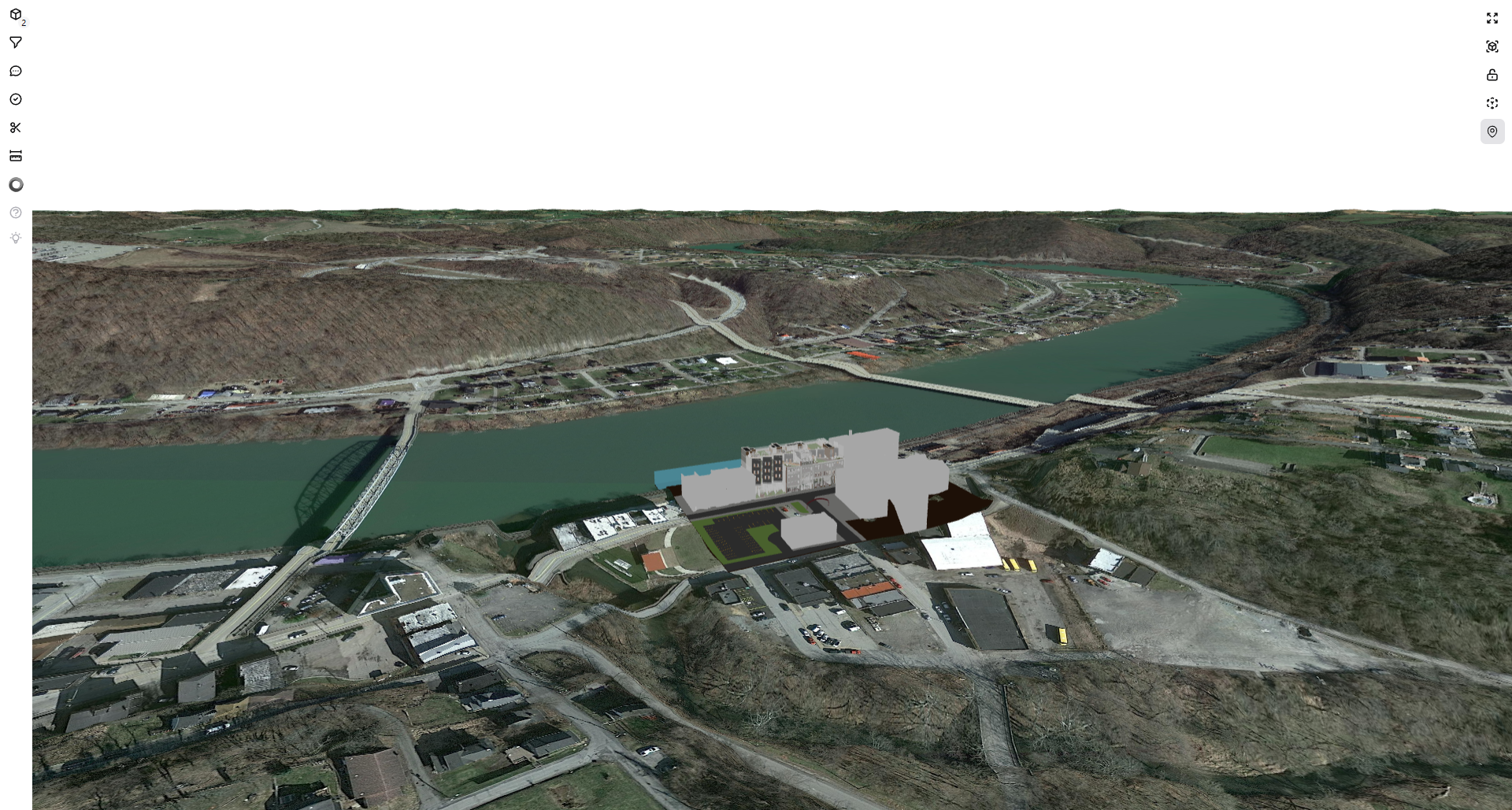
What you can do
- Check whether a model is positioned in the expected site location.
- Review the model with nearby roads, buildings, terrain, and landscape context.
- Validate georeferencing before sharing the model with project teams.
How placement works
Flinker IFC Viewer looks for usable location data in the IFC file. When valid location data is available, the viewer converts it to map coordinates and places the model in the real-world map view.
Placement quality depends on the source export. The viewer cannot infer missing or incorrect project coordinates.
Supported IFC location data
The viewer supports the most common IFC geolocation methods.
IFC4 models
For IFC4 files, the preferred method is coordinate reference system (CRS) and map conversion data stored in the model. This usually provides the most accurate placement.
IFC2x3 models
For IFC2x3 files, the viewer can use location values stored in IfcSite, including:
- Reference latitude
- Reference longitude
- Reference elevation
Supported coordinate systems
The viewer can convert supported projected coordinate systems into map coordinates.
Current support includes:
EPSG:28992EPSG:8395EPSG:27700
Other EPSG references may work when the coordinate system can be resolved. If the reference is missing or unclear, placement may fail or be inaccurate.
Prepare IFC files for maps
For best results, export the model with:
- Georeferencing enabled in the authoring tool
- A valid CRS or EPSG reference
- Accurate
IfcSitelatitude and longitude - Elevation values when available
- The intended project base point or survey point
Terrain placement
The viewer places the model so it fits the real-world map view. Elevation data can help align the model with:
- Ground level
- Surrounding buildings
- Local site context
Known limitations
- Placement quality depends on the geolocation quality stored in the IFC file.
- Some coordinate systems may not be supported.
- Files without usable location data cannot be placed automatically.
Troubleshooting
| Issue | What to check |
|---|---|
| Model appears in the wrong location | Check the latitude, longitude, CRS, EPSG reference, project base point, and survey point settings in the source model. |
| Model does not appear on the map | Check whether the IFC file contains usable geolocation data and whether the coordinate system can be resolved. |