Flinker DocFX Markdown style guide
Goal: Use the same Markdown patterns as Microsoft Docs/Learn where DocFX supports them. Keep docs short, scannable, and developer‑friendly.
1. Headings
- One
# H1per file, first content line after YAML. - Use sentence case, no punctuation at the end.
Example heading structure:
Working with IFC models
Overview
Limitations
2. Text and inline code
- Short paragraphs (max ~3 lines).
- Use
inline codefor API names, settings, and commands.
Example inline code: Use Flinker.Bcf.SyncService to sync BCF issues.
3. Links and xrefs
Link examples:
See BCF sync.
Example xref syntax:
xref:your.uid.hereExample xref tag:
<xref:your.uid.here>Prefer
xref:links for anything that has a UID.
4. Lists
List examples:
- Supports IFC, BCF, Excel.
- Runs inside the Microsoft 365 tenant.
- Open the project.
- Select the IFC model.
- Start the sync.
5. Code blocks
- Always specify the language.
- Keep examples minimal and focused.
public void RunSync(string projectId)
{
    // TODO: add logging
}
dotnet tool install flinker.cli
flinker sync --project 123
6. Alerts (Note, Tip, Important, Caution, Warning)
Use alerts sparingly (max 1–2 per article).
Alert examples:
Note
This feature requires Microsoft 365.
Tip
Start in a test tenant before production rollout.
Warning
Deleting a project also deletes all related BCF issues.
7. Images
- Use PNG/SVG where possible.
- Filenames: lowercase with hyphens.
- Always provide meaningful alt text.
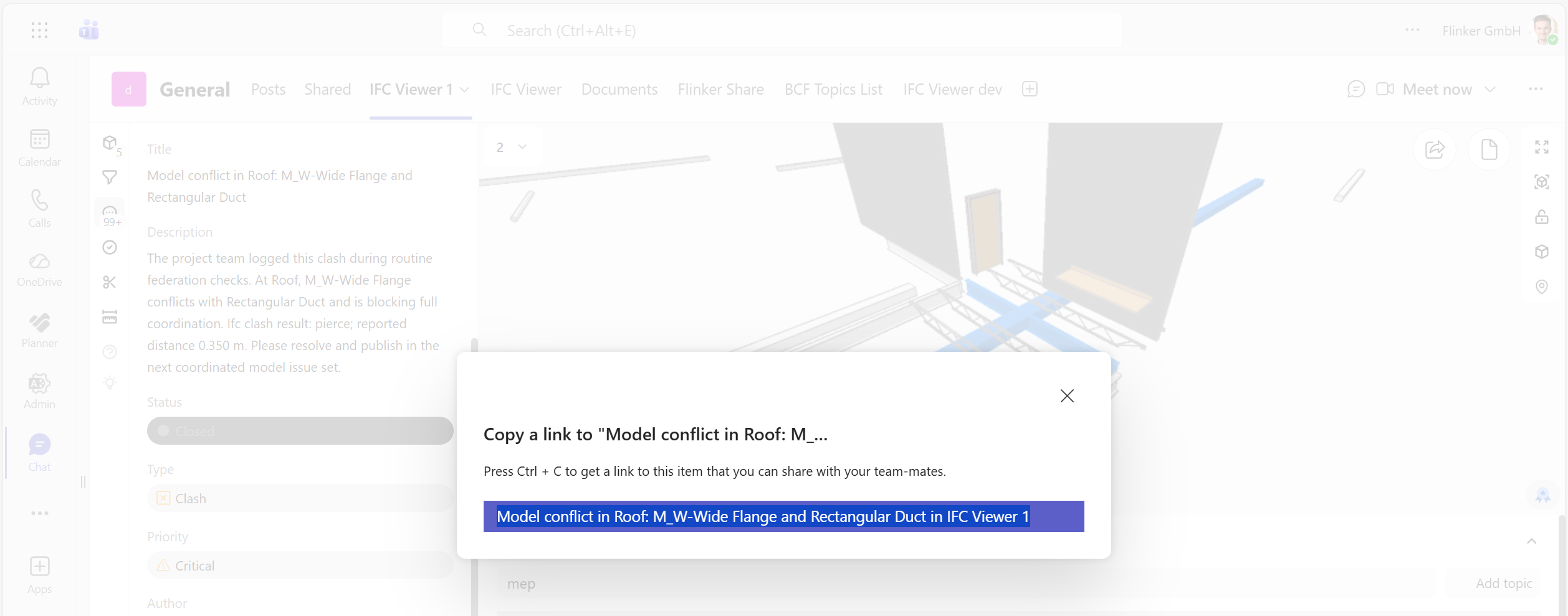
Image example:
8. Includes (shared snippets)
- Use for shared warnings, intro text, etc.
- DocFX uses lower-case
include:
Include example:
[!include[bcf-warning](../includes/bcf-warning.md)]
Note
Microsoft Learn uses INCLUDE in upper case, but the idea is the same.
9. Style dos and don'ts
Do
- Use short, direct sentences.
- Prefer small examples over long explanations.
- Use consistent terms (e.g. "project", "IFC model", "BCF issue").
Don't
- Don’t paste large screenshots of code.
- Don’t duplicate content across pages; use includes.
- Don’t use internal project code names in public docs.
10. Sample FAQ
Teams IFC Viewer FAQ
Privacy and data
Does the Teams IFC Viewer send any telemetry or IFC data to Flinker?
No. The Teams IFC Viewer does not send any IFC or BCF content to Flinker.
Only minimal technical metadata is processed, as described in the architecture and data protection documentation.